
.png)
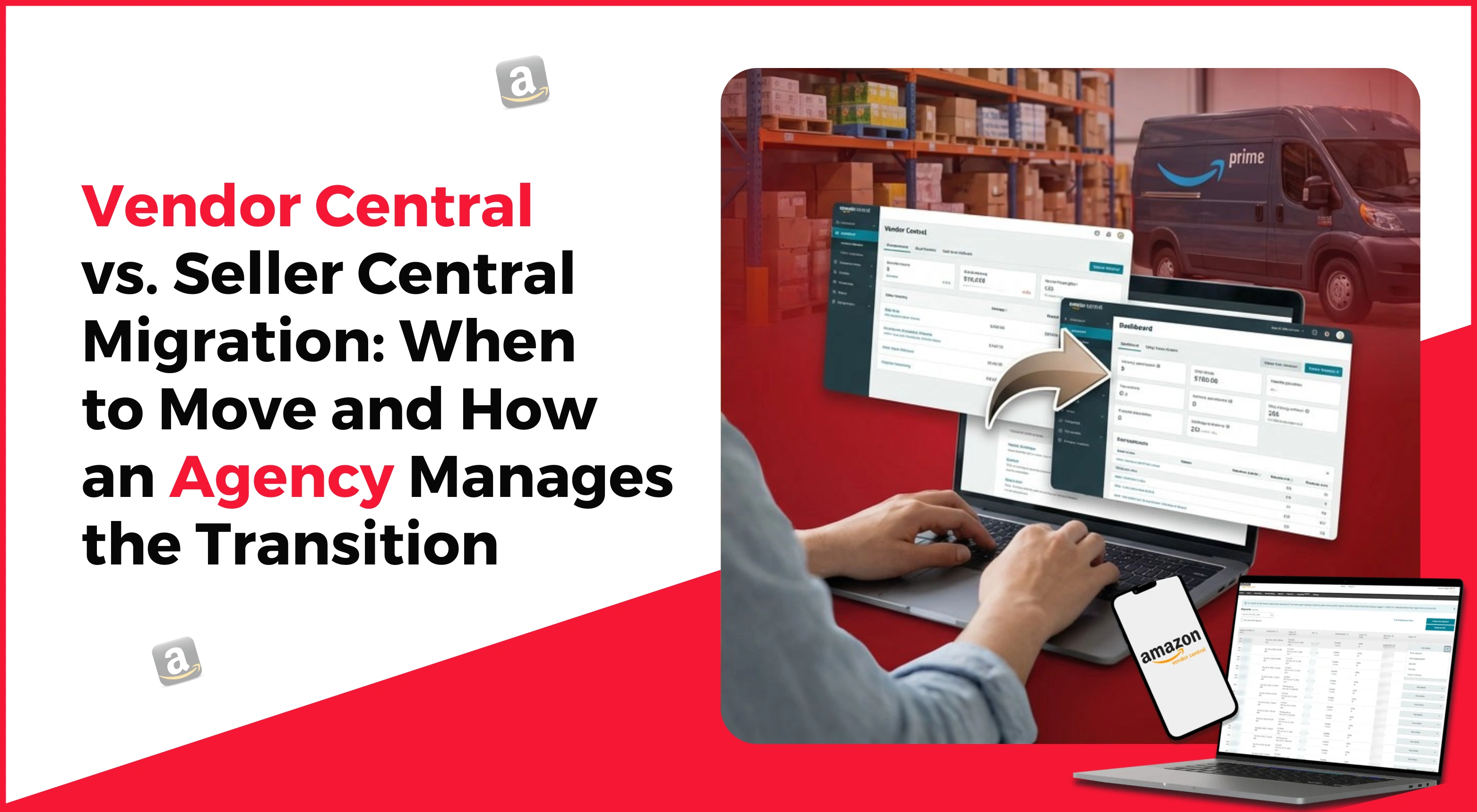
Selling on Amazon presents a significant opportunity for businesses. If you are already selling on Amazon, you have heard of Amazon Vendor Central vs Seller Central. They both sound similar, but they work very differently for you and your brand.
Today, we bring you a blog that will help you to understand both the terms in detail, as well as when to switch to Vendor Central, Amazon 1P vs 3P strategy, and how an agency can help you to manage this transition.
What is the difference between Vendor Central and Seller Central?
Before we talk about Amazon Vendor Central vs Seller Central migration, it is important to get clear about both terms when you are running a business on Amazon.
What is Vendor Central?
Vendor Central is like “Amazon Account Management for Sellers.” In Vendor Central, you act as a first-party seller (1P). It means the Amazon department store places a large order with you, buys your product at the wholesale price, then sells it to customers under the “Sold by Amazon” tag. Amazon handles all sales to the customers by setting its own retail price. You have less control over your product, but you have guaranteed bulk sales with Vendor Central. Vendor Central makes you a supplier to Amazon.
Pros:
- Amazon handles fulfilment, pricing, and customer service.
- “Sold by Amazon” adds trust and often boosts conversion rates.
- Easier access to programs like Amazon Vine or A+ content.
Cons:
- You lose control over pricing and branding.
- Payments can be slower.
- Communication with Amazon can be tough (they decide when and how much to order).
What is Seller Central?
Seller Central is like “You as a retailer”. You act as a third-party seller (3P). Under the seller sign, you list your product, set a price and sell directly to customers through the Amazon marketplace. You manage your own booth and talk to your own customers directly. You have more control and keep more profit, but you have other work to do. For Seller Central, you can use FBA (Fulfilled by Amazon) or FBM (Fulfilled by Merchant).
Pros:
- Full control over pricing and inventory.
- More data transparency and marketing tools.
- Better profit margins (since you sell directly).
Cons:
- You handle logistics (or pay FBA fees).
- You’re responsible for customer service.
- More competition from other sellers.
When to Consider Migrating from Vendor Central to Seller Central?
It is not easy to decide when to migrate from Vendor Central to Seller Central. Neither is it easy to manage the Amazon hybrid model on their own.
It is a very big decision. It is also not right for every brand at every stage. You should move to Seller Central in certain conditions only. There are some clear signs that you might be ready for the migration changes.
- You are tired of losing control. If Amazon keeps changing your prices or product details, that's a sign. With Seller Central, you get that control back.
- Your profits are getting smaller. If wholesale prices and Amazon charges reduce your profit, Seller Central’s higher margin helps.
- You want a direct relationship with your customers to build loyalty.
- Your growth has plateaued, and Seller Central gives you more marketing options.
- You want faster global expansion, which Seller Central allows without waiting for Vendor approvals.
Migrating from Vendor Central to Seller Central is not simple. If done incorrectly, it can harm your sales or brand. That’s why hiring a professional to execute a smooth Amazon 1P vs 3P strategy is important.
Tired of High ACoS? Get a Second Opinion.
Let us prove our value. Get a detailed, no-obligation performance audit of your existing Amazon PPC campaigns today.
Get Your Free Campaign Audit 🠖How does a professional agency manage a smooth transition? Amazon 1P vs 3P strategy?
Hiring a professional Amazon agency ensures your migration goes smoothly. VirtualStateGST is one such agency offering a wide range of Amazon services. Here’s how they manage the process:
A deep strategy session
The agency reviews your vendor data, understands your goals, evaluates your Amazon performance, and creates a detailed migration plan.
Protect your listing and brand
Vendor listings do not auto-transfer to Seller Central. A professional agency ensures a clean and duplicate-free transition. They merge old vendor listings with your Seller Central account, optimize them, and refresh titles, bullets, and descriptions using new keyword research and updated AI content.
Inventory and Logistics Management
The agency helps plan inventory timing, advises when to stop sending stock to Vendor Central, and when to begin sending stock to Seller Central using Fulfilment by Amazon (FBA). This prevents stockouts and keeps products available.
Launch and Rapid Growth
Once migration is complete, the agency launches aggressive marketing campaigns. They optimize keywords, images, and run ads to boost immediate sales, helping the algorithm rank your products faster.
Ongoing Management and Optimization
The agency continues to support long-term operations—pricing, restocking, customer management, and ad optimization—to ensure consistent growth.
Final Thoughts
Migrating from Vendor Central to Seller Central gives you more control, higher profits, and strengthens your brand. With the right agency and strategy, the transition becomes smooth and beneficial for your long-term Amazon success.
You don’t have to handle the complexity alone. A professional agency can help you manage everything while you focus on growing your business.
Frequently Asked Questions
Will I lose my product reviews and ratings if I switch?
No, you should not. One of the key objectives of a proper migration is to ensure that you retain all your existing reviews and ratings on your product pages. An agency helps make sure this happens.
Is Seller Central difficult to manage on my own?
It can be complex, but it is manageable. Most brands still hire an agency to handle day-to-day operations, like advertising, inventory, and customer service, on their behalf.
How long does the migration process take?
The whole process, from planning to being fully stable on Seller Central, usually takes a few weeks to a couple of months. It depends on the complexity of your product catalogue.
What is the biggest risk during the switch?
The big risk here is duplicate listings or out-of-stock occurrences. Both hurt your search rankings and sales. A good migration plan prevents this.
Is it possible to use both Vendor and Seller Central simultaneously?
Generally, no. Amazon does not allow you to simultaneously sell the same product on both platforms because it creates competition with oneself; one has to choose one model per product.